Built to work where the signal doesn't
Basements, stairwells, plant rooms — the places fire doors live are the places signal dies. The MyQTAG app syncs before you go and captures everything with no connection at all.
Prepare my patch
Sync just the buildings you're visiting
Pick the sites on today's list and the app pulls down their projects, forms, floor plans and tag records — so the day's work is on the device before you leave the van.
- Choose the sites, get everything they need
- Photos queue and upload on their own when signal returns
- What arrived is listed, so you know the sync is complete
Capture offline
The whole inspection, with no connection
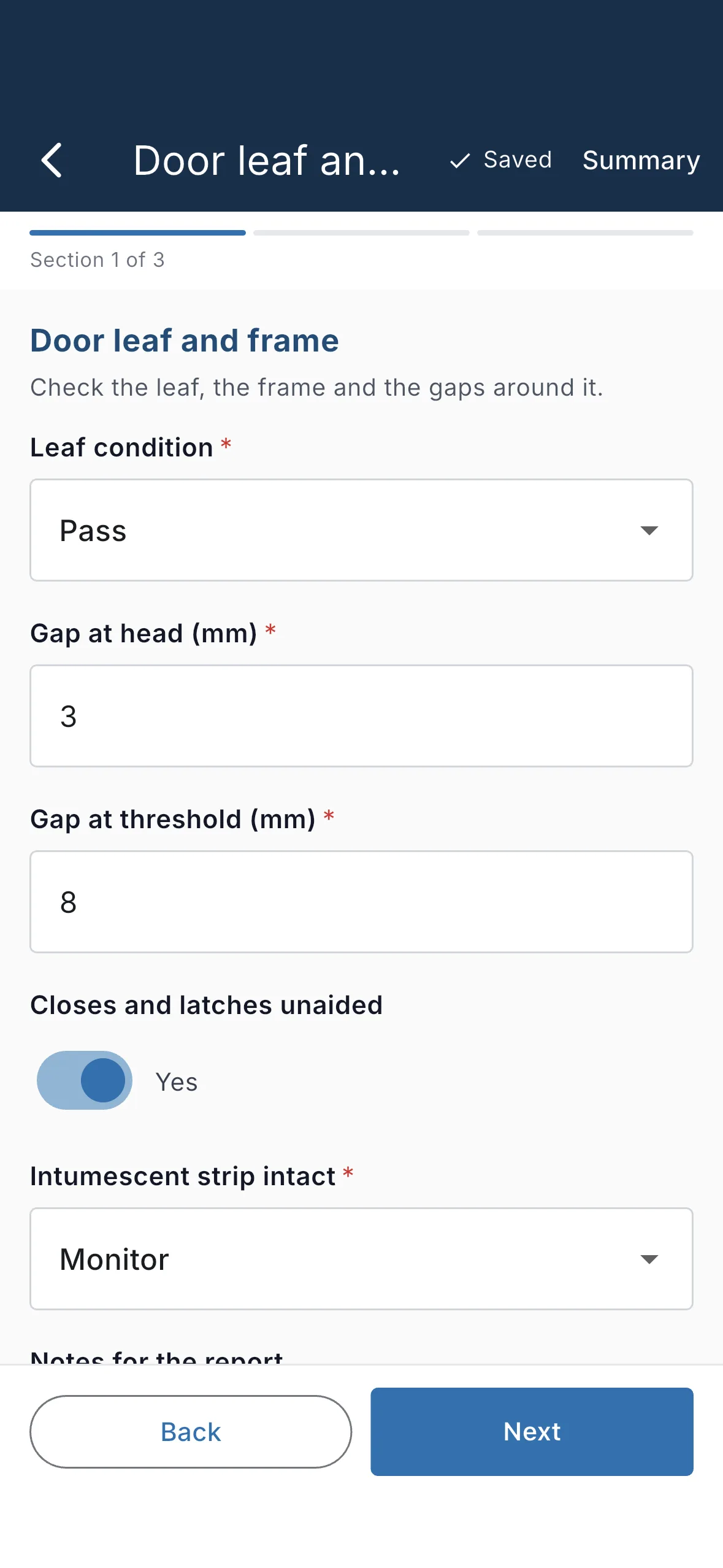
Scan the tag, fill in your team's own form, attach photos, drop the pin on the floor plan and sign. Validation runs on the device and matches the server exactly — nothing bounces later for a missing field.
- Photos, signatures and floor-plan pins, all offline
- Offline validation matches the server exactly
- Job references allocated on submit — no duplicates
The everyday details
Small things that matter at seven in the morning
Biometric unlock
Sign in once; after that, Face ID or a fingerprint gets you back in.
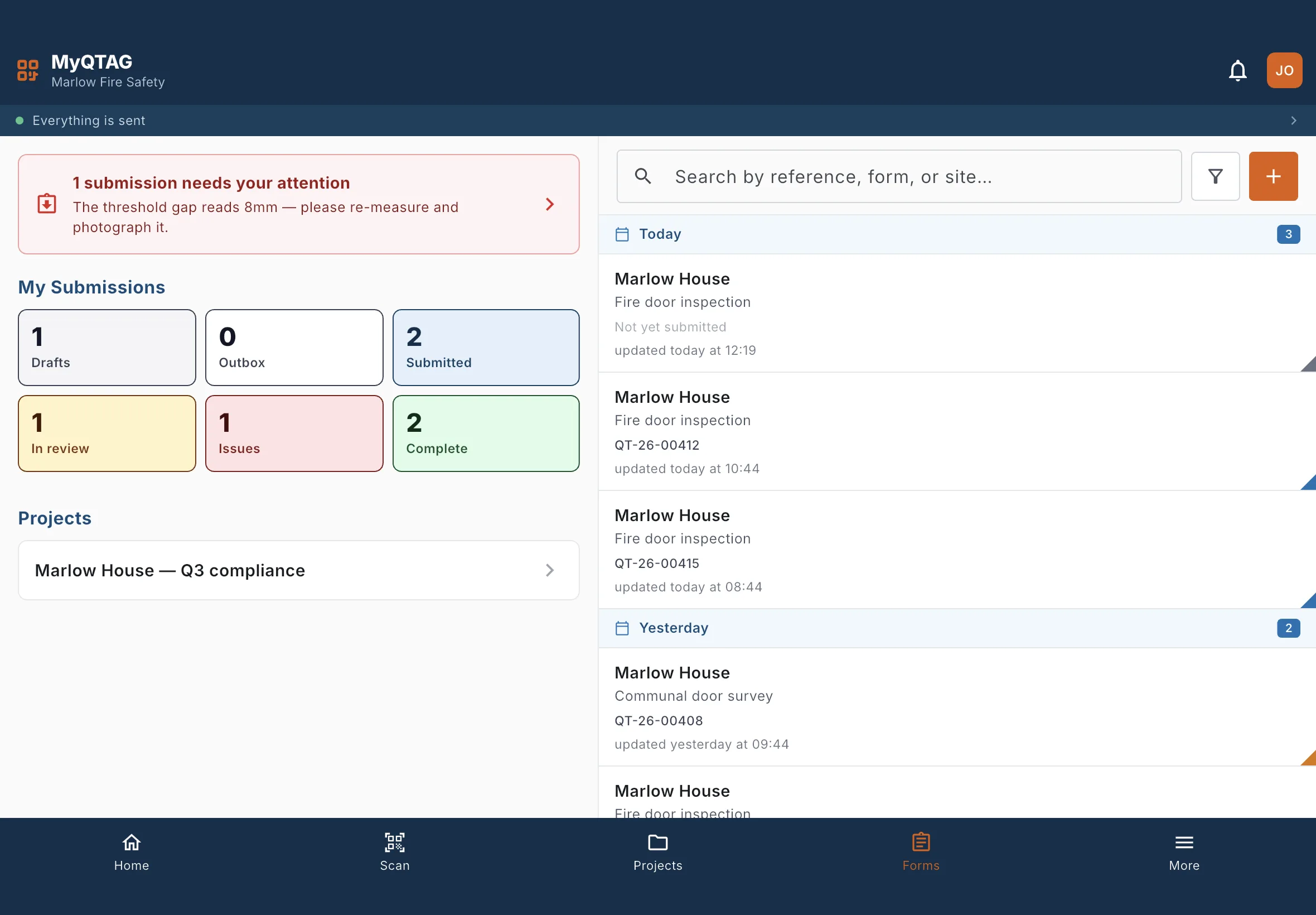
A notifications feed
When a prepared patch is ready or a submission needs your attention, it's in the feed.
Phone and tablet layouts
The same app, laid out for the device in your hand — including tablets in the office.
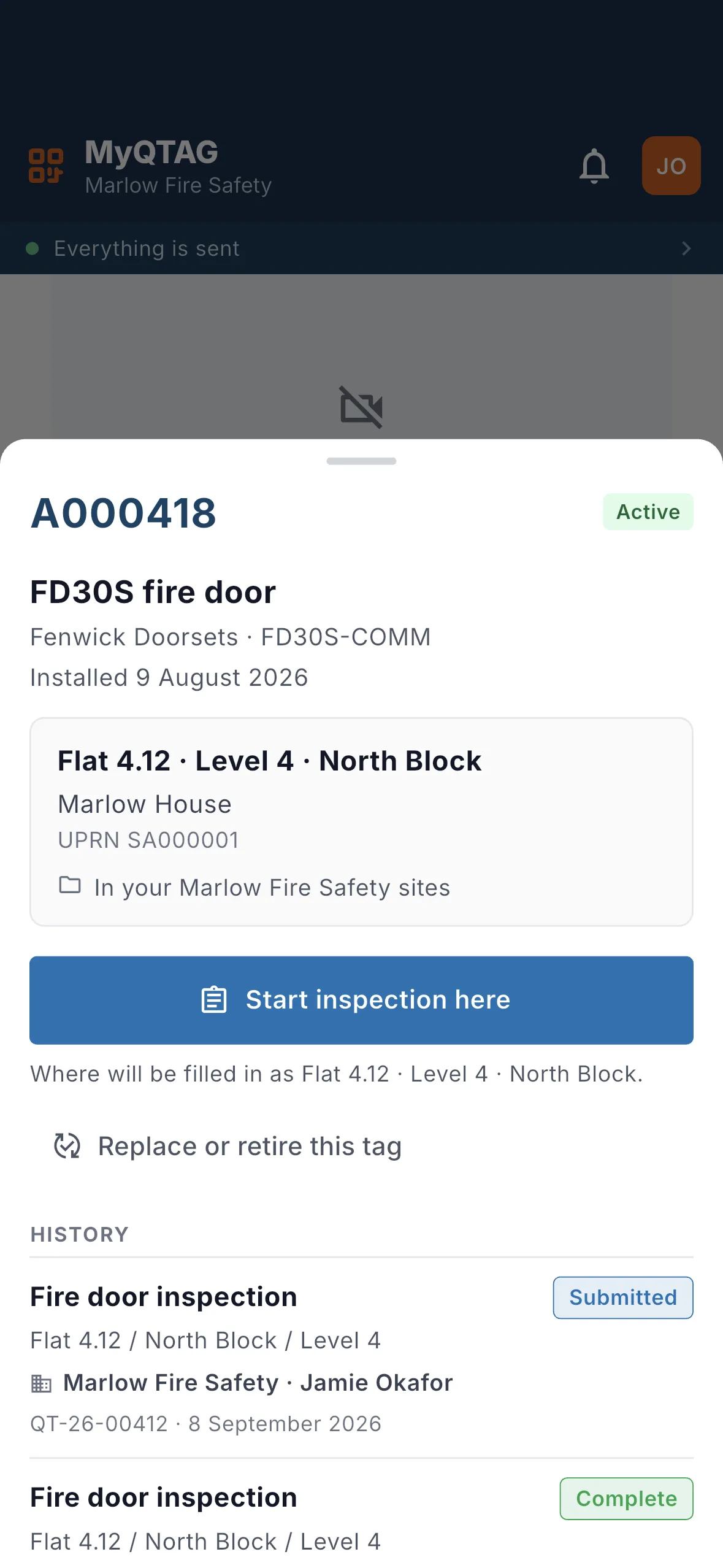
Scan any tag
Scan a QTAG in the app to open its record and history on the spot.