Every job on the phone, every report out the door the same day.
Fire doors or fire stopping, the week is the same shape: survey, install, remedial, periodic. MyQTAG captures all four on the phone with no signal, reviews and approves them in the office, and hands your client a branded report instead of an email chain.
The problem
Sound familiar?
Photos in WhatsApp, forms on paper
Evidence is scattered, and the report gets typed up days later.
No signal in the stairwell
Apps that need a connection fail exactly where fire doors live.
The client wants it yesterday
Reports, remedial lists and certificates chased by email every week.
Workflows
One app for every job type
Fire door surveys
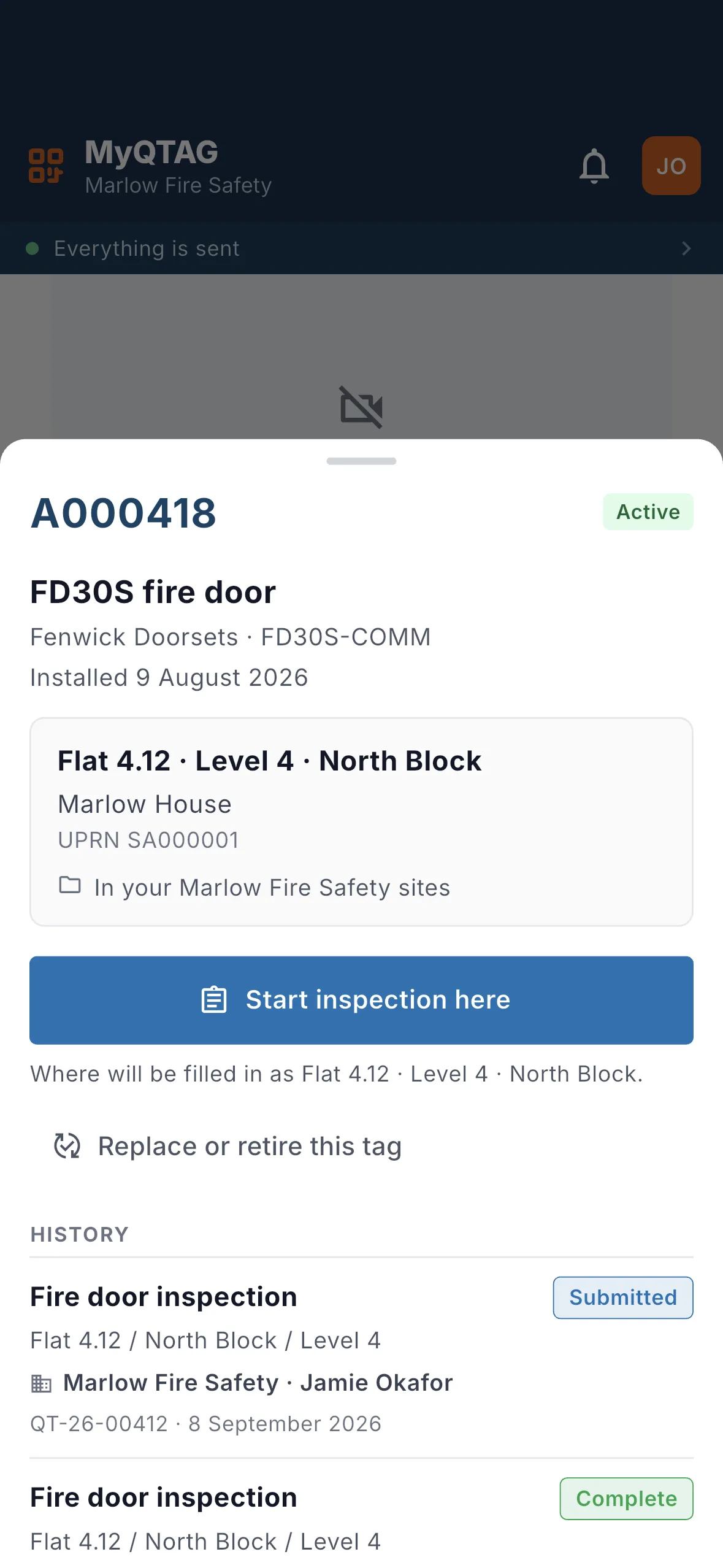
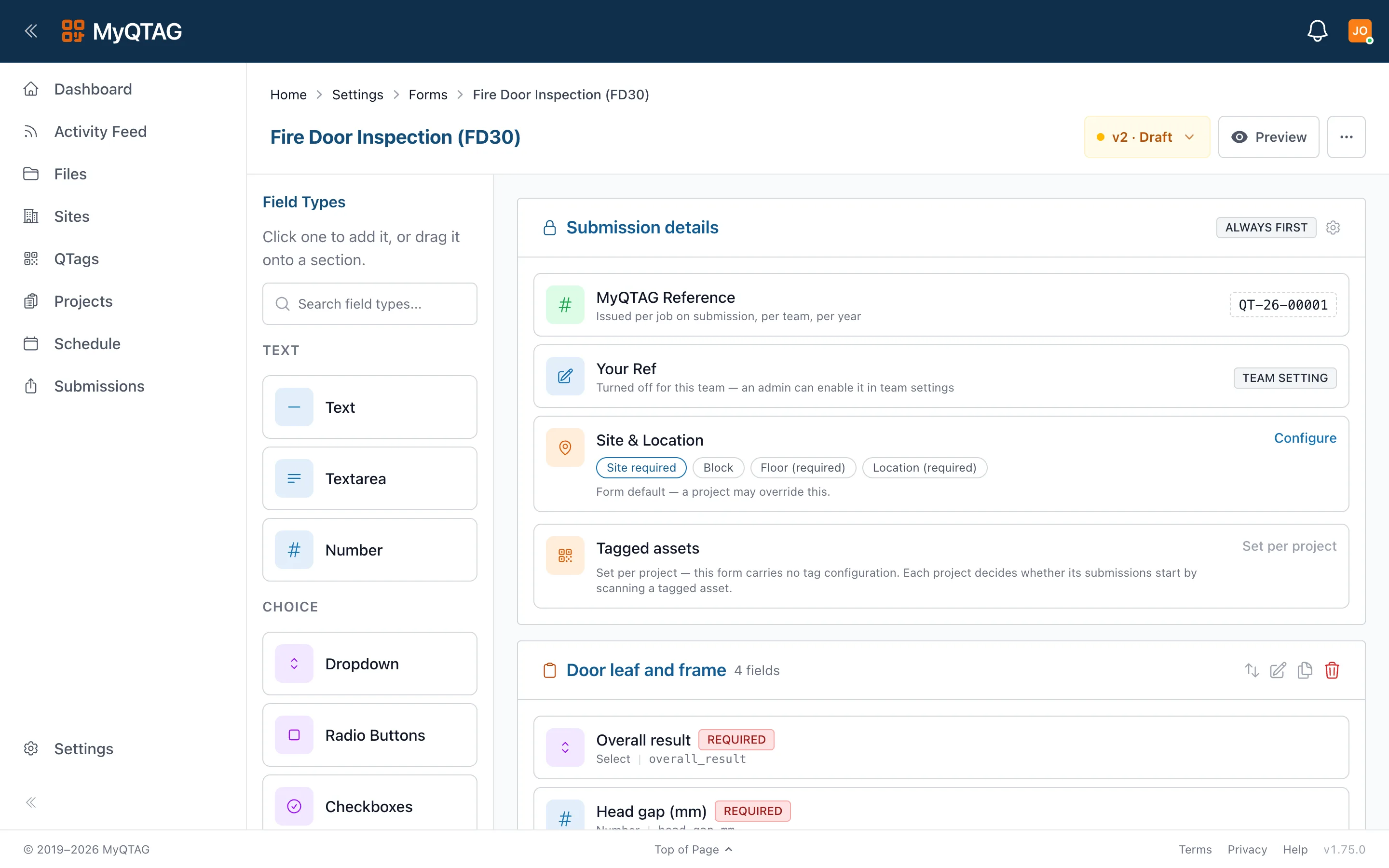
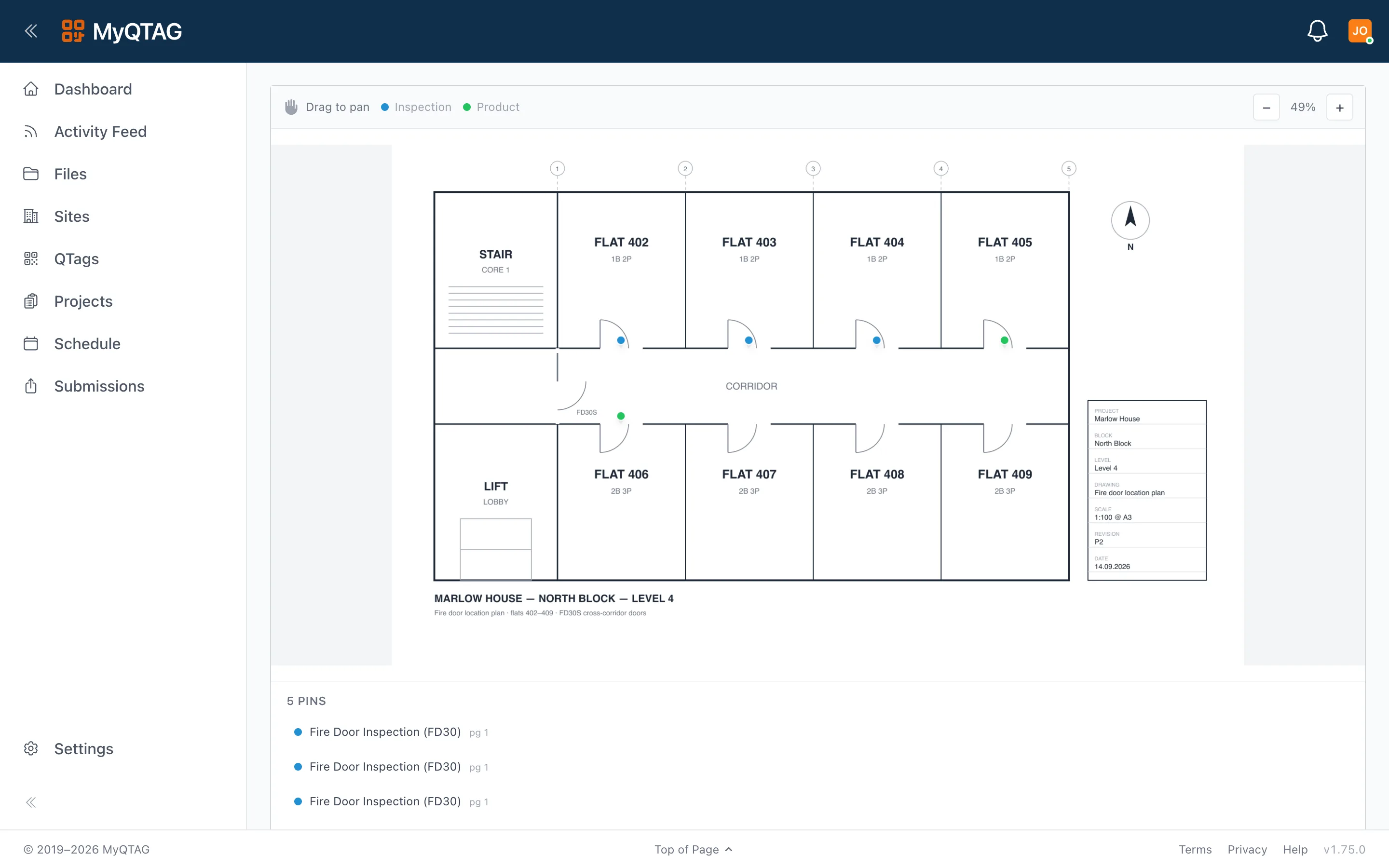
Walk the building, scan or tag each door, and capture the survey against your template with photos and a floor-plan pin. New doors and locations can be created on the device.
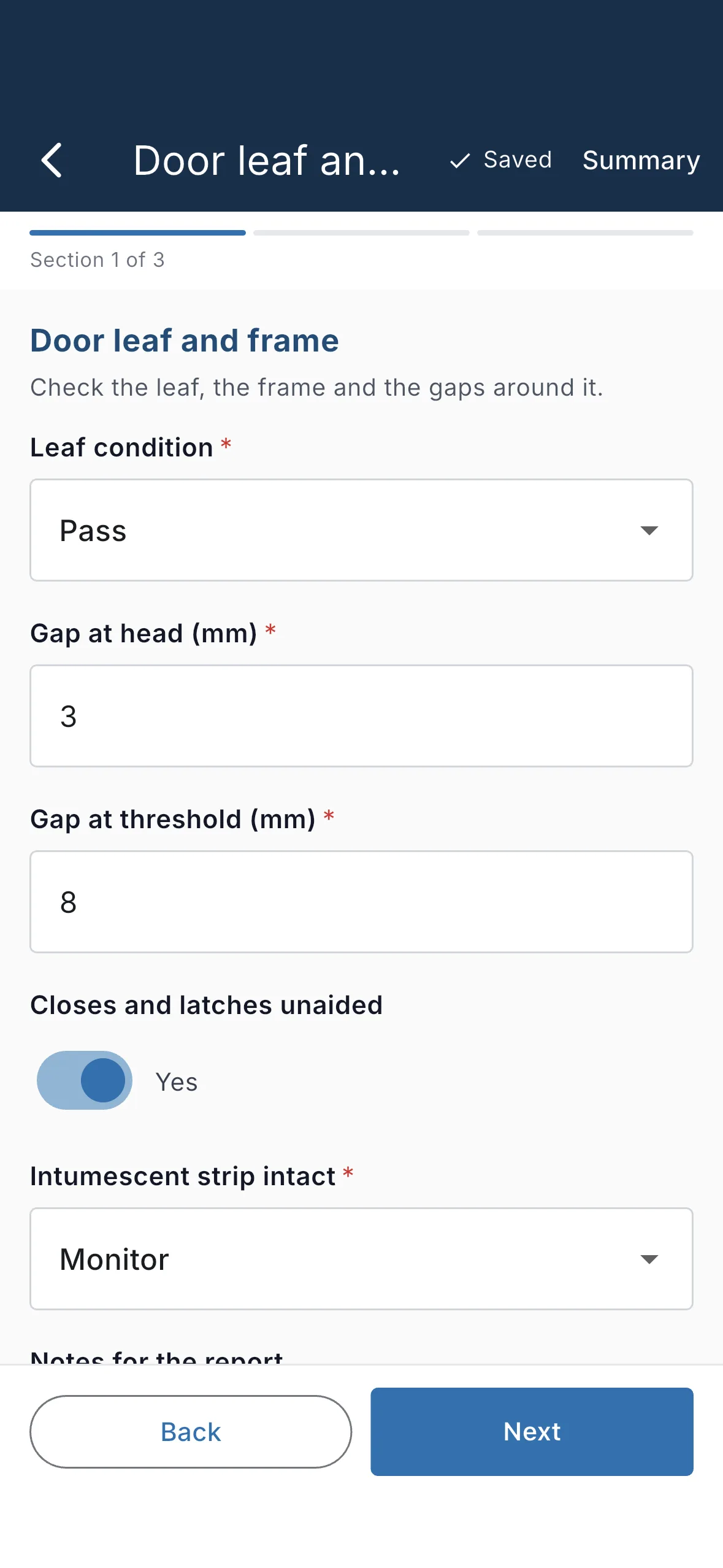
- Custom form templates with validation that works offline
- Photos with time and place captured, uploaded in the background
- Job references allocated on submit — no duplicates
- Signature capture and a named responsible person
Installs
Record what was fitted, where, and by whom, against the same tagged locations the survey used — so the install and the survey sit on one record rather than in two systems.
- Product and manufacturer captured per door
- Photos before, during and after
- The tag carries the install into every later inspection
Remedials
Raise remedial work off a failed inspection and close it out against the same door, so the evidence of the fix sits beside the evidence of the fault.
- Remedial records attach to the door, not to a spreadsheet
- The client sees the fix once you approve it
Periodic inspections
Repeat inspections against your own template, on a schedule your client can see. Each one adds to the door's history rather than replacing it.
- Every inspection kept, none overwritten
- Scan the tag to see what the last visit found
Office
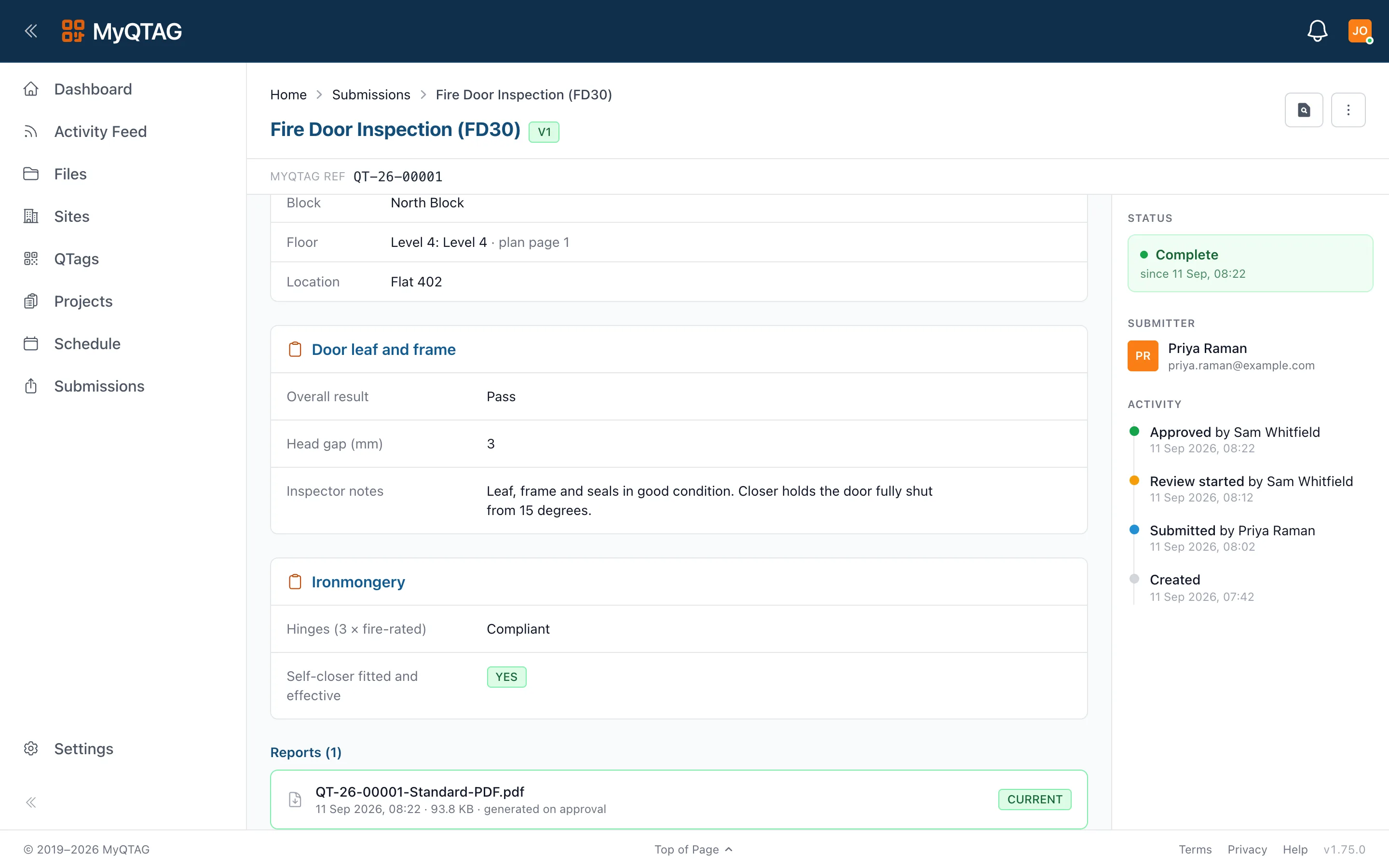
Review, approve, and the report writes itself
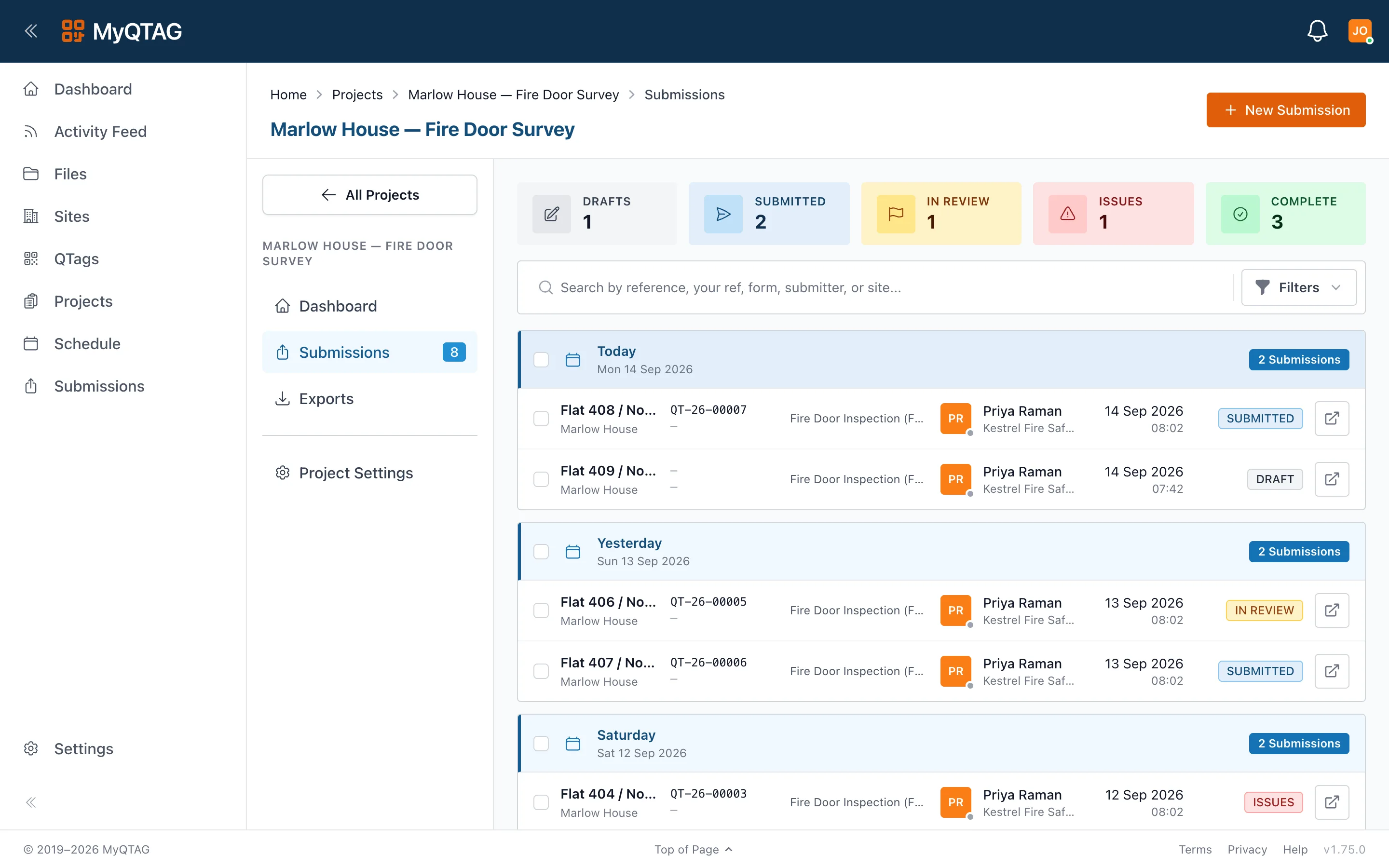
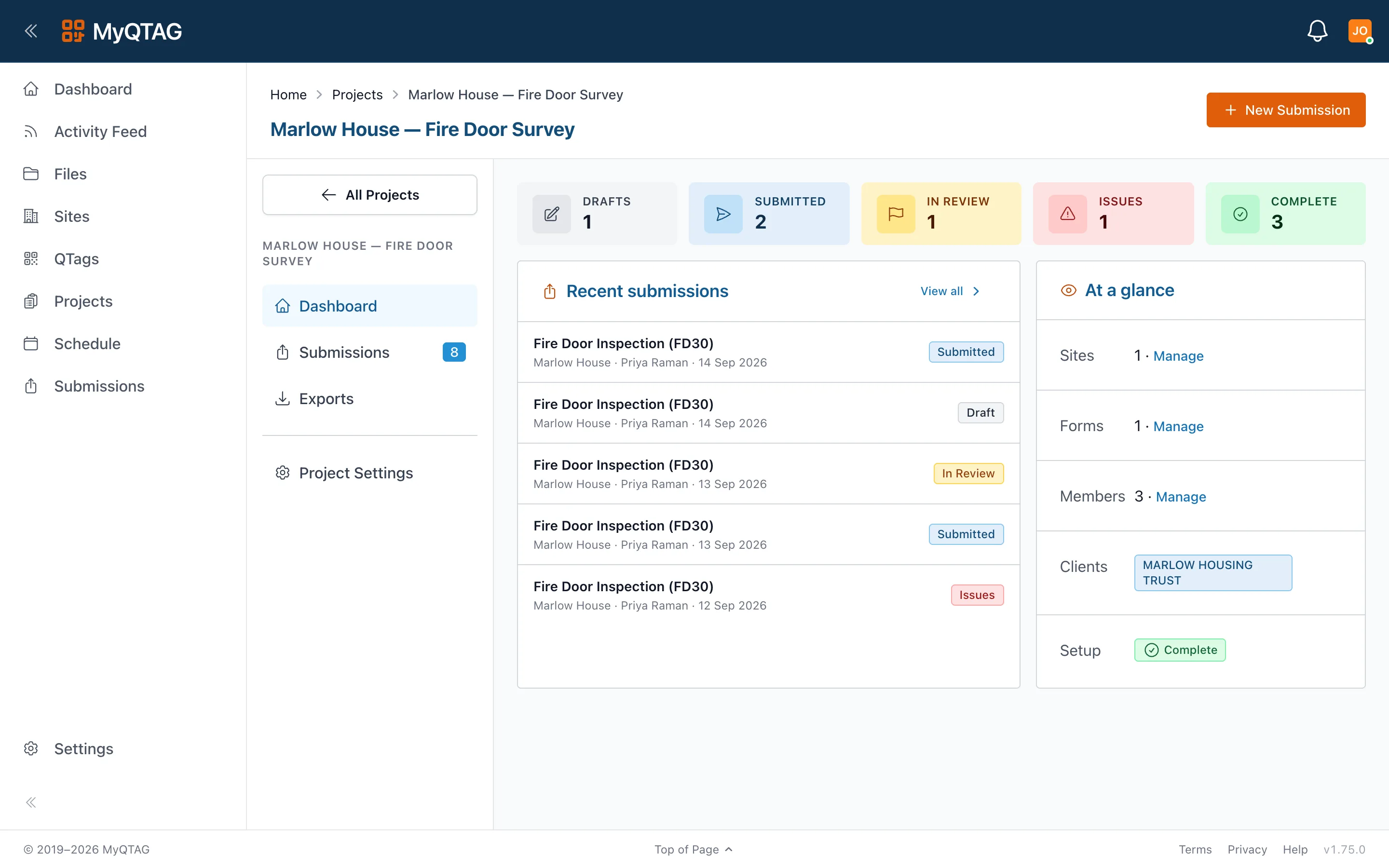
Submissions land in a five-state lifecycle — draft, submitted, in review, issues, complete. Completing one generates the branded PDF with your client's colours and the floor-plan callout, and files it against the project.
- Per-client report branding chosen per project
- Export templates and configurable file naming
- Bulk export and file sharing with signed links
Clients
Give your client a login, not an inbox full of PDFs
Connect a housing association or main contractor to a project. They see approved inspections, reports and files in their own account — and can bring you onto their tagged estate next time.
- They see approved work only, never your drafts
- Files and reports in one place, with an audit trail
By discipline
Whichever half of the job you are on
Fire doors
Surveys, installs, remedials and periodic checks
Every door on its own tag, checked against your template and pinned to the floor plan, with a history that survives whoever inspected it last.
See fire doors
Fire stopping
Every penetration, where it actually is
The product, the position on the drawing, the person who fitted it and the photos — captured in the riser with no signal, and readable a year later.
See fire stopping